This project is for making a color of a widget dynamic depending on a value, this a behaviour common to see in excel or google sheets, as color scale of the conditional formatting, when you want to have a color giving an indication of what value is being presented and make the data consumtion easier and more intuitive
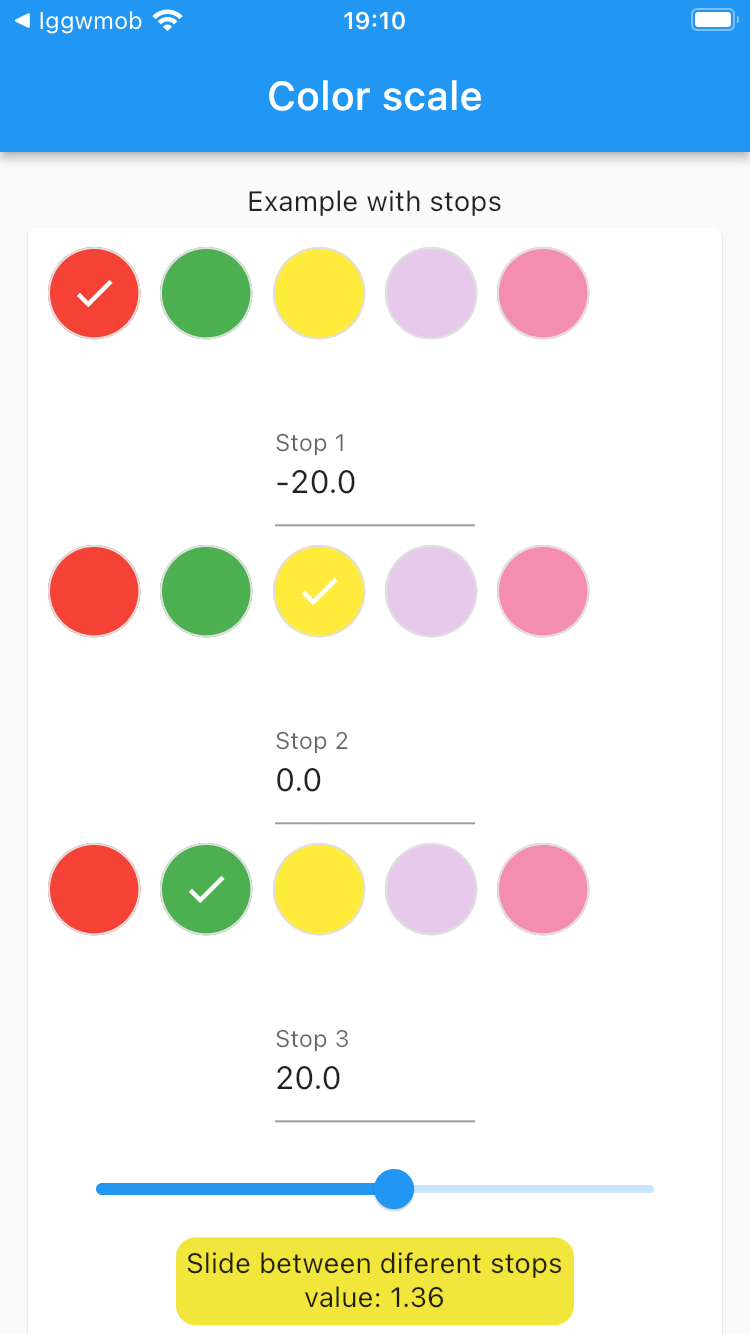
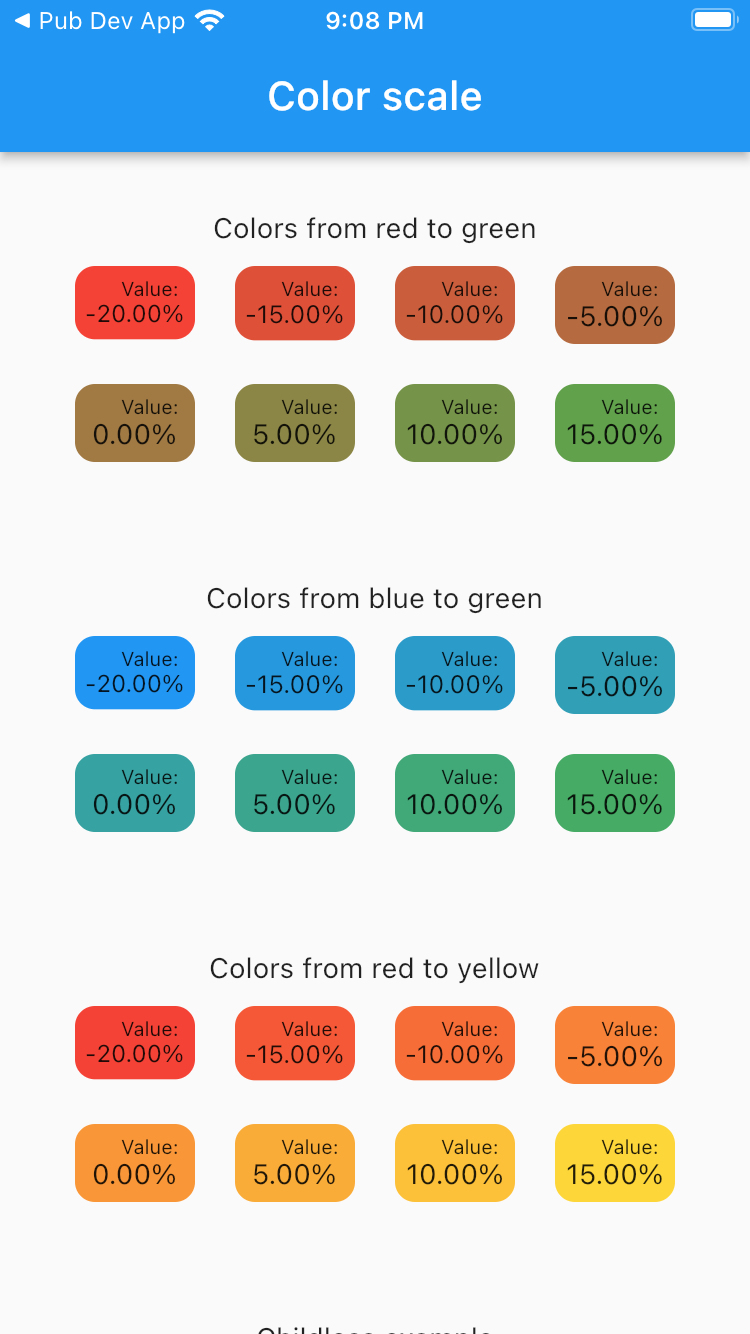
In this video I explained how to use color scale, in a flutter project https://www.youtube.com/watch?v=jqckPlHoRTI
Create a container with a color that depends on a value, this can help the user to identify data inside a report without need to read everything.
Add the dependency to your pubspec.yaml:
color_scale: ^0.0.4
This package requires Flutter 3.27.0 or newer and Dart 3.6.0 or newer. These minimum versions provide the modern Color APIs used by the package and tests, including Color.withValues, Color.toARGB32, and the normalized Color component getters (.r, .g, .b, and .a).
ColorScaleWidget(
    value: 0, // Customize here the value that you want to influence the color
    minValue: -20,
    minColor: Colors.white,
    maxValue: 20,
    maxColor: Colors.black,
    child: Container(
        margin: EdgeInsets.all(5),
        child: Text('50% between black and white')
    )
)
Usage
ClipRRect(
    borderRadius: const BorderRadius.all(Radius.circular(10)),
    child: SizedBox(
      width: 50,
      height: 50,
      child: ColorScaleStopsWidget(
        value: 0,  // Customize here the value that you want to influence the color
        colorStops: <double, Color>{
          -20: Colors.red,
          0: Colors.yellow,
          20: Colors.green,
        },
        child: Text('Add your widget here!'),
      ),
    ),
),Package url: https://pub.dev/packages/color_scale
https://github.com/ivofernandes/color_scale
dart pub publish