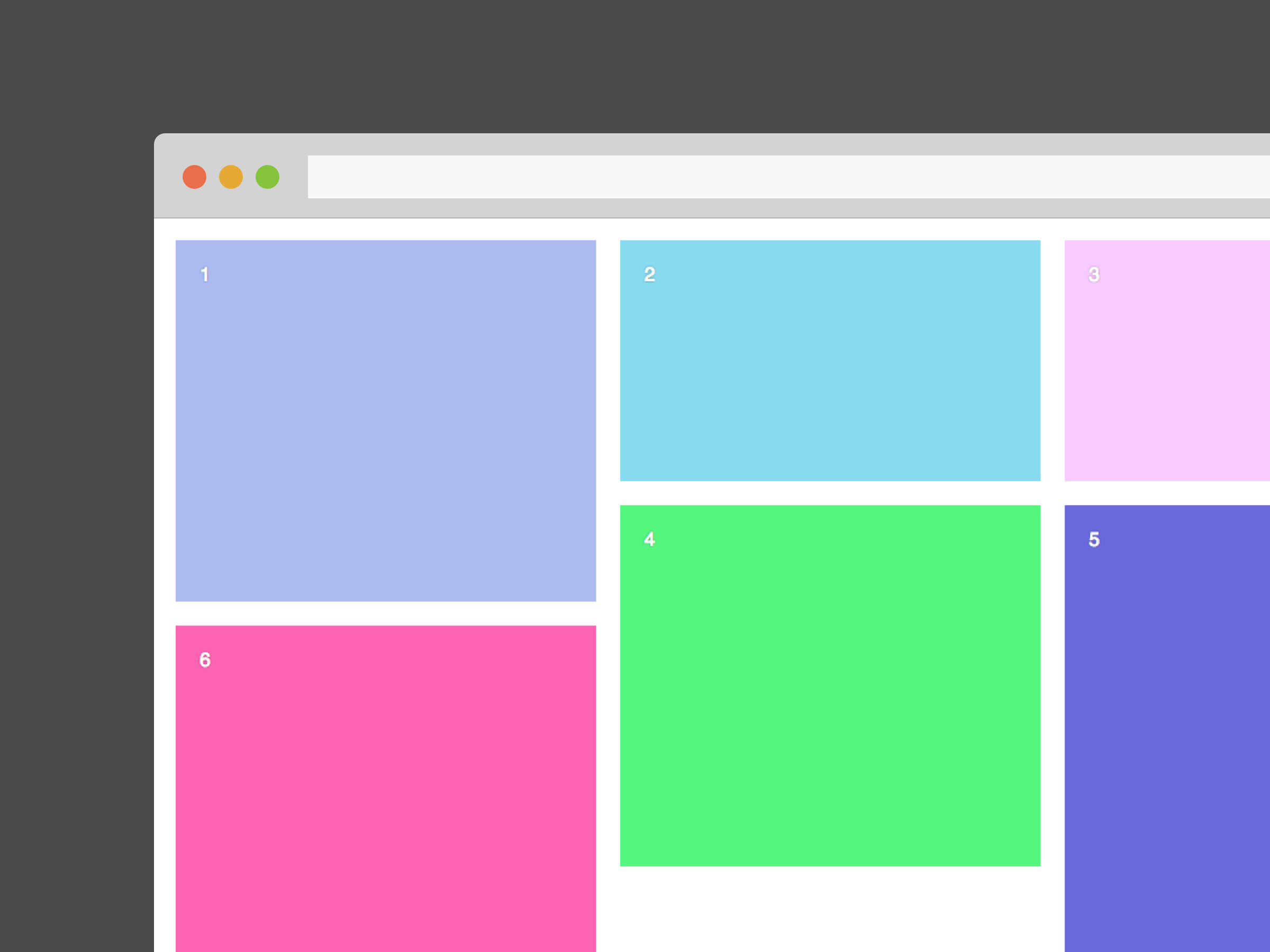
React component to play with the great library Masonry from desandro.
npm i -S masonreact
You can pass this props to Masonreact : cols, margin and transitionDuration.
import React from 'react'
import Masonry from 'masonreact'
import color from 'randomcolor'

const App = () => {

  const style = {
    color: 'white',
    fontFamily: 'Sans-serif',
    textShadow: '0 0 2px rgba(0,0,0,0.5)',
    padding: 20
  }

  return (
    <Masonry cols={2} margin={10} transitionDuration={'0.5s'}>
      <div style={{...style, height: 300, backgroundColor: color()}}>1</div>
      <div style={{...style, height: 200, backgroundColor: color()}}>2</div>
      <div style={{...style, height: 200, backgroundColor: color()}}>3</div>
      <div style={{...style, height: 300, backgroundColor: color()}}>4</div>
      <div style={{...style, height: 400, backgroundColor: color()}}>5</div>
      <div style={{...style, height: 300, backgroundColor: color()}}>6</div>
    </Masonry>
  )

}


export default AppYou can import masonrefresh from masonreact and run it to laid out items again, inside children componentDidMount for example.
import React from 'react'
import { masonrefresh } from 'masonreact'

export default class Something extends React.Component {

  componentDidMount = () => masonrefresh()

  render = () => (
    <div>
      ...
    </div>
  )

}