A real-time VFX toolkit for Minecraft — particles, trails, beams, timelines, shader graphs, and post-processing, all authored in-game.






Documentation | Commands | Java Integration | Discord | CurseForge | Modrinth
Photon is a VFX editor mod for Minecraft, inspired by Unity. It brings a Unity-style particle system, trail and beam rendering, a non-linear timeline, node-based shader and post-processing graphs, and a full in-game editor to Minecraft — so mod authors can build effects for their content, and players can create and play effects with commands.
Its original intention is to let people who love VFX create without being blocked by technical skill and math problems. If you know Unity's particle system, you already know most of Photon.
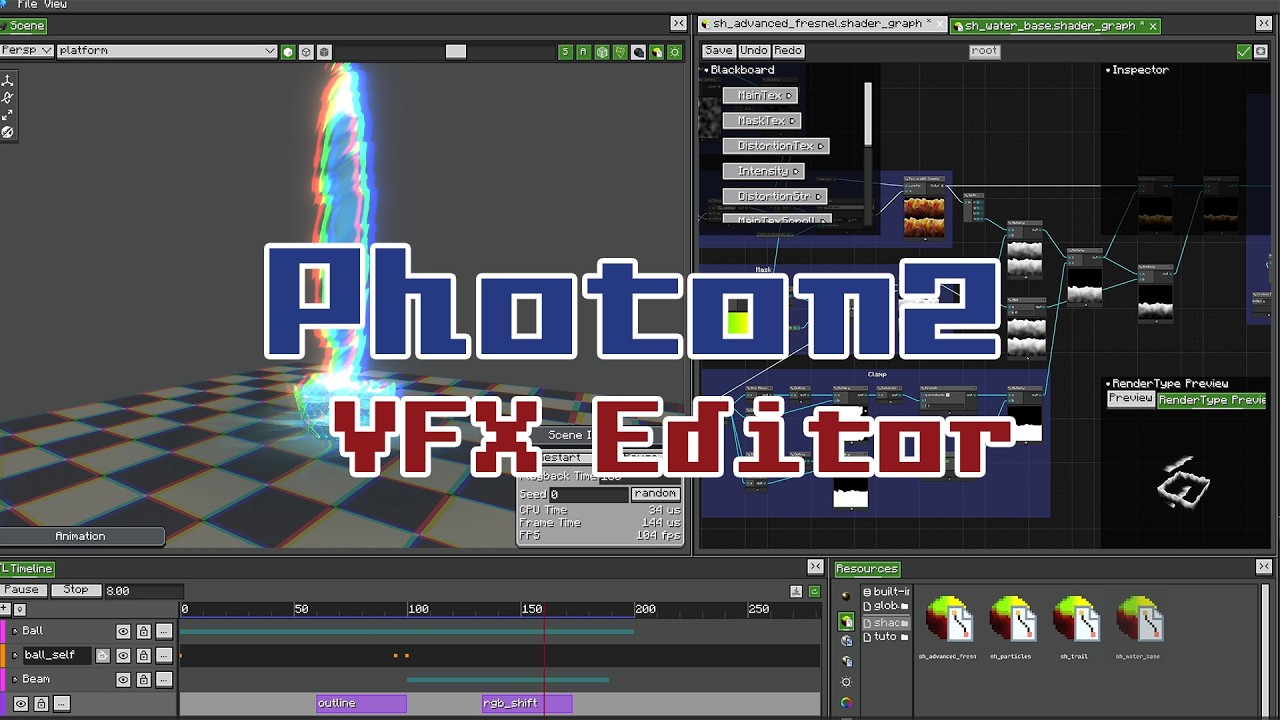 Photon 2.2 — Timeline, Shader Graph, Post-Processing The latest release in action: sequencing effects on a timeline, authoring materials as node graphs, and stacking fullscreen post effects. |
 Getting Started with Photon An overview of the editor, the particle system, and how to build and play your first effect. |
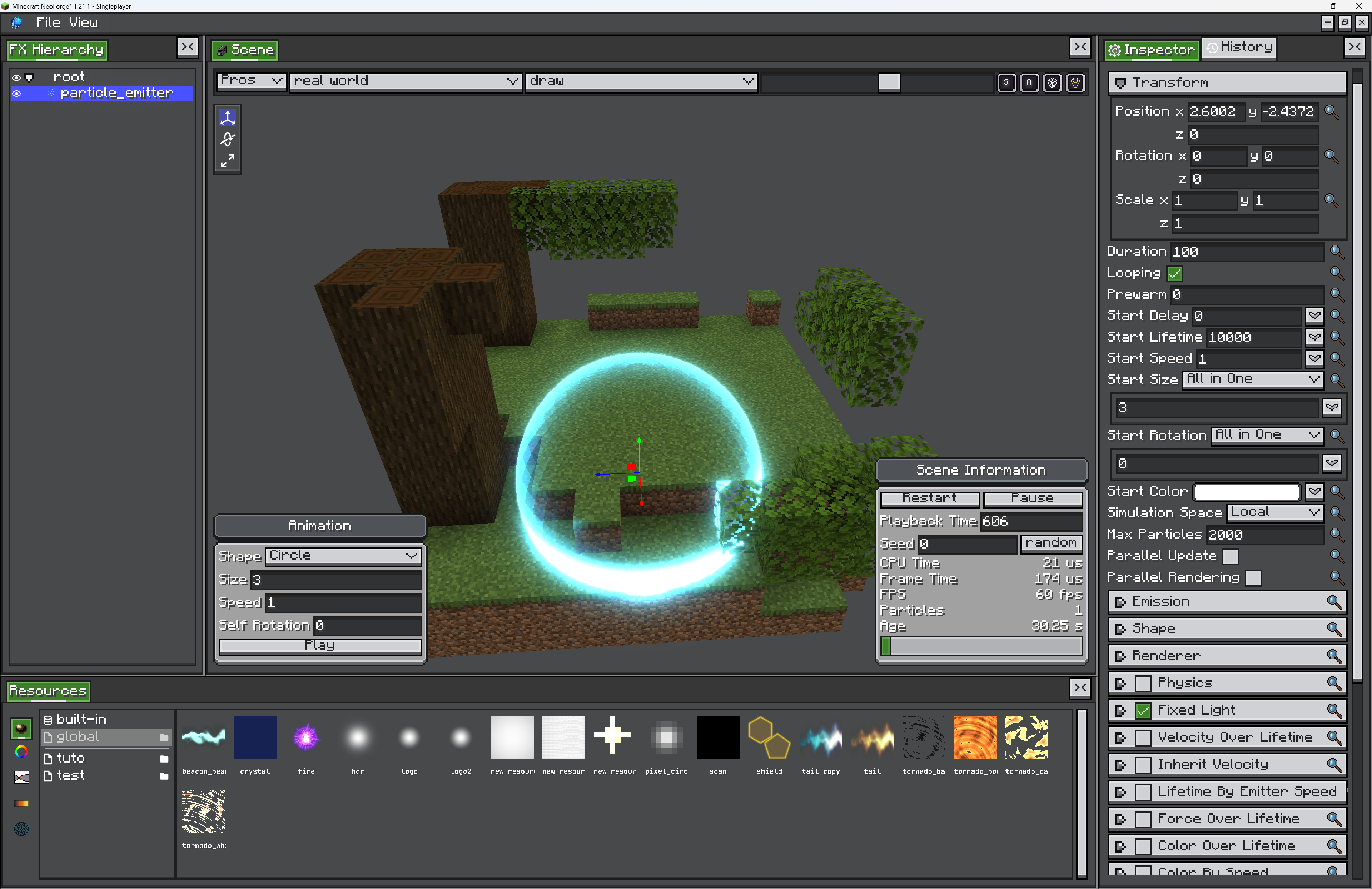 In-game FX Editor A Unity-style editor with real-time preview, dockable views, a resource browser, and an FX hierarchy. Run /photon_editor and start building — no restart, no external tools.
|
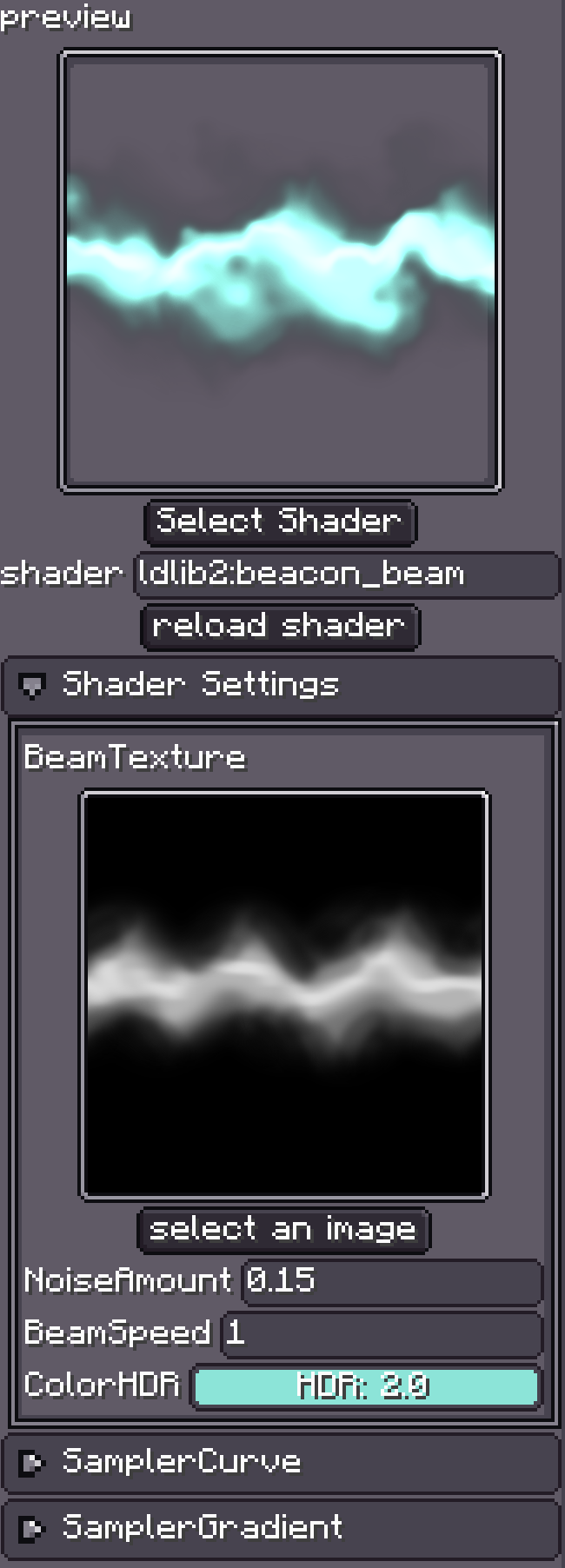 Materials and Shader Graph Author particle / trail / beam materials as node graphs instead of writing GLSL — scene color and depth, geometry and camera nodes, UVs, math, textures, curve and gradient values, plus reusable subgraphs. Hand-written shaders still work. |
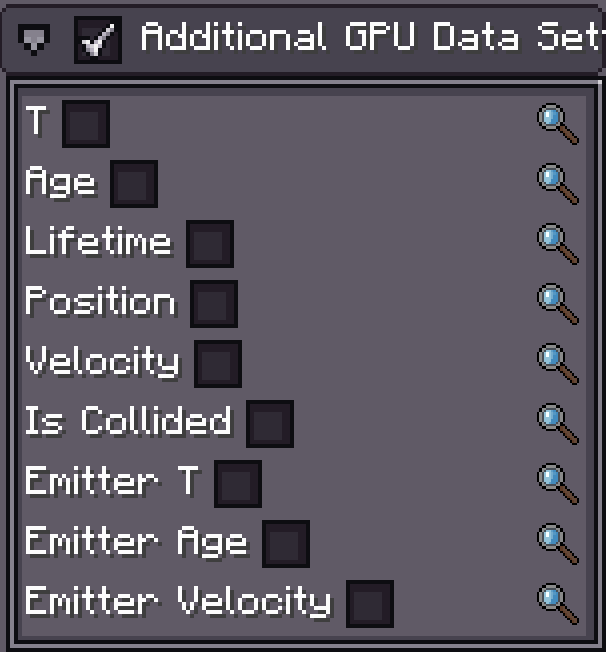 Custom GPU Data Per-emitter custom data streams (vector / color functions) readable per particle in shader graphs and hand-written shaders, on tile, trail, beam, and ara-trail particles, with selectable time sources. |
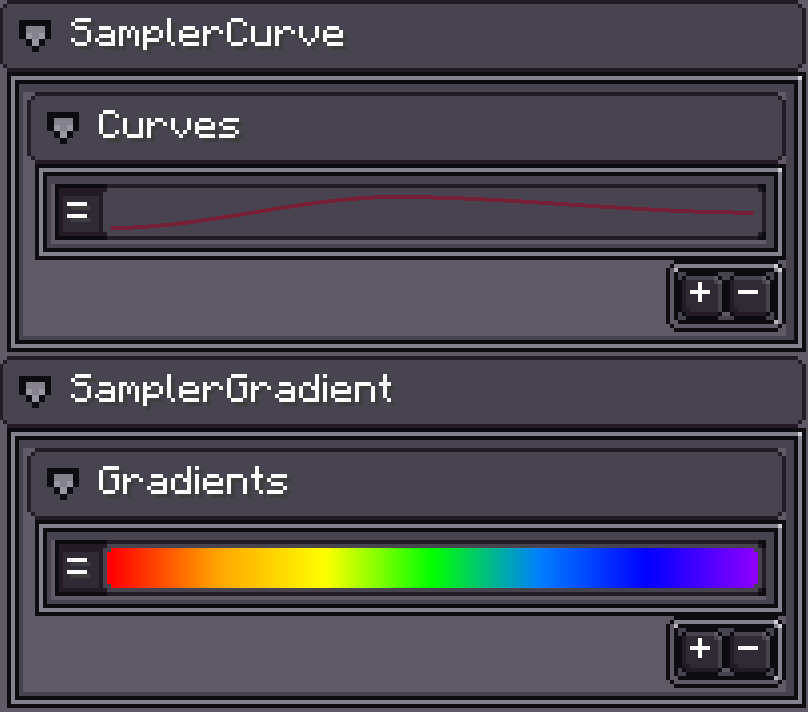 Curves, Gradients, and Modules Almost every value is a curve, a gradient, a random range, or a constant, edited inline. Emitter modules mirror Unity's: shape, velocity / rotation / size / color over lifetime, noise, collision, sub-emitters, external forces, and more. |
- Timeline — a non-linear timeline for sequencing effects: animation tracks that keyframe almost any emitter property (curve, gradient, and expression clips), record mode, signal / seed / audio / speed / control tracks, and post-process clips.
- Post-Processing — an Effect Graph chains fullscreen passes, each pass its own shader graph. Ships with bloom, depth of field, blurs, vignette, chromatic aberration, glitch, film grain, outline, color grading, and more. Effects are requested with an animatable weight and per-parameter overrides; overlapping requests blend by weight.
- Custom Mask / Custom Depth — Unreal-style per-object masking: flag emitters into named groups, then cull or outline post effects to just those pixels.
- Simulation space and force fields — Local / World / Custom simulation space, a Force Field object (directional, gravity, drag, vortex), and an External Forces module.
- Models and meshes — particles can render as 3D meshes; OBJ and JSON model sources plus built-in primitives back both the Shape module and the Model render mode.
- GPU instancing — dedicated renderers for tile, trail, and beam particles, with per-instance render overrides drivable from the timeline.
- FX Packs — export an effect and everything it references (materials, graphs, meshes, textures, shaders) into a single
.fxpack, a standard resource-pack zip with content-addressed shared resources.
See CHANGELOGS.md for the full history.
- Install LDLib2 and Photon (Minecraft
1.21.1, NeoForge21.1+). - Enter a creative world and run
/photon_editorto launch the editor. - Create a new FX project and start experimenting.
- Play the result with
/photoncommands, or bind it from Java (below).
Photon focuses on effect creation, not usage logic — use commands or code to bind an effect to entities, blocks, or your own lifecycle manager. Full walkthrough in the documentation and command reference.
Photon is published to the FirstDark Maven snapshots repository.
repositories {
    maven { url = "https://maven.firstdark.dev/snapshots" } // LDLib2, Photon
}

dependencies {
    // LDLib2
    implementation("com.lowdragmc.ldlib2:ldlib2-neoforge-${minecraft_version}:${ldlib2_version}:all")

    // Photon
    implementation("com.lowdragmc.photon:photon-neoforge-${minecraft_version}:${photon_version}") {
        transitive = false
    }
}
Load an effect and bind it to a block or an entity:
FX fx = FXHelper.getFX(ResourceLocation.parse("photon:fire"));

// bind it to a block
new BlockEffectExecutor(fx, level, pos).start();

// bind it to an entity
new EntityEffectExecutor(fx, level, entity, AutoRotate.NONE).start();
For custom lifecycles, implement IEffectExecutor and drive an FXRuntime yourself — see the Java Integration guide.
- Documentation
- GitHub repository
- CurseForge project
- Modrinth project
- Discord community
- LDLib2 — the library Photon is built on
- QQ group:
933426877
Please read LICENSE before redistributing, forking, or porting Photon. Using the mod is free. Redistributing or building on the mod itself comes with conditions, and they are enforced.
Photon by KilaBash is licensed under CC BY-NC-SA 4.0.
What you can do freely:
- Use Photon in single-player, on servers, and in non-commercial modpacks.
- Bundle it in your mod via jar-in-jar, as long as your mod is not sold or directly monetized.
- Share and adapt the mod, with attribution, a link to the license, and a note of what you changed.
- Own everything you make with it. Content created using Photon —
.fxfiles, FX Packs, shader and effect graphs, configs, data packs, videos — is not covered by this license. License and sell your creations however you like.
What needs permission or is not allowed:
- Commercial use of the mod (paid downloads, paid access, monetized redistribution) requires explicit written permission.
- Forks and modified versions must stay under CC BY-NC-SA 4.0 and credit the original author.
- Ports to Minecraft versions other than 1.21.x need prior written consent from KilaBash, must be fully open source under the same license, must credit the original project, and may not be monetized in any form — including donations, sponsorships, and crowdfunding.
Licensing inquiries (commercial use, port permissions): yefancy@foxmail.com
See LICENSE for the authoritative and complete terms.