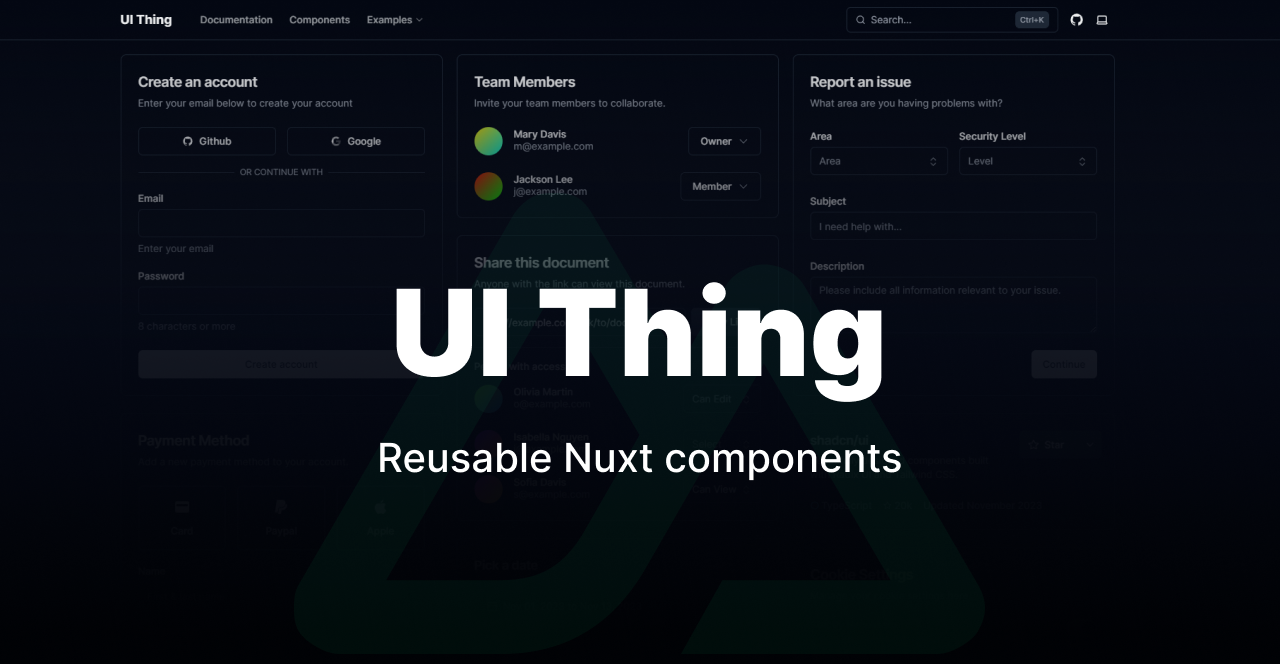
A CLI for adding UI Thing components to your Nuxt project. Pick only the components you need — no bloat, no lock-in.
- shadcn/ui — design inspiration
- Reka UI — headless primitives
- TailwindCSS
- Nuxt
Thanks to the maintainers of all third-party libraries used in this project.
If you find this useful 😊

1. Create a Nuxt project
npx nuxi@latest init my-app
cd my-app
2. Run the init command
npx ui-thing@latest initThis sets up TailwindCSS, installs core dependencies, writes the theme CSS, and saves a ui-thing.config.ts to your project.
3. Start adding components
npx ui-thing@latest addThe CLI works with all major package managers. You will be asked to choose one during init.
| Manager | Supported |
|---|---|
| npm | ✅ |
| yarn | ✅ |
| pnpm | ✅ |
| bun | ✅ |
| deno | ✅ |
npx ui-thing@latest initBootstraps your Nuxt project for UI Thing. This command:
- Installs all core dependencies (
reka-ui,tailwind-variants,@nuxt/fonts,@vueuse/nuxt, etc.) - Writes the Tailwind CSS theme file
- Registers required Nuxt modules
- Creates
ui-thing.config.tswith your chosen paths and package manager
Options
| Flag | Description |
|---|---|
-y, --yes |
Skip all prompts and use defaults |
npx ui-thing@latest add [componentNames...]Adds one or more components to your project. If no names are passed, an interactive search lets you pick from the full library.
# interactive selection
npx ui-thing@latest add

# add specific components
npx ui-thing@latest add button input popover

# add every component at once
npx ui-thing@latest add --all
After a component is added, the CLI prints a link to its documentation page.
Options
| Flag | Description |
|---|---|
-a, --all |
Add every available component in one shot |
--skip-config |
Add components without a ui-thing.config.ts file. Auto-detects the Nuxt version and uses its default paths |
--package-manager <pm> |
Set the package manager when using --skip-config (skips the PM prompt) |
--skip-config example
Useful when you just want the files without committing to the full config workflow:
# prompts for package manager, uses Nuxt 4 defaults
npx ui-thing@latest add popover --skip-config

# fully non-interactive
npx ui-thing@latest add popover --skip-config --package-manager bun
Note: Shared utility files installed by one component are also used by others. Removing them manually may break components that depend on them.
npx ui-thing@latest listLists all components available in the UI Thing library.
# show all available components
npx ui-thing@latest list

# show only components already installed in your project
npx ui-thing@latest list --installed
Options
| Flag | Description |
|---|---|
--installed |
Filter to components whose files are already present in your project |
npx ui-thing@latest update [componentNames...]Re-fetches component files from the API and overwrites them with the latest version. Useful after a UI Thing release.
# update specific components
npx ui-thing@latest update button input

# pick from installed components interactively
npx ui-thing@latest updatenpx ui-thing@latest remove [componentNames...]Deletes installed component files from your project (component files, utils, and composables). Prompts for confirmation before deleting anything.
# remove specific components
npx ui-thing@latest remove button

# pick from installed components interactively
npx ui-thing@latest remove
Note: Shared utility files used by multiple components will be deleted. Any other components that depend on them may stop working and will need to be re-added.
npx ui-thing@latest proseAdds prose components (typography styles for rendered markdown content). Select from the available prose components interactively.
npx ui-thing@latest blockAdds pre-built UI blocks (page sections, layouts, etc.) to your project. You can filter by category.
npx ui-thing@latest themeSwaps your project's color theme. Overwrites the Tailwind CSS theme file with the chosen theme.
npx ui-thing@latest prettierAdds a Prettier configuration pre-configured for Tailwind CSS class sorting. Safe to run on an existing project — it will offer to merge with your current .prettierrc if one exists.
npx ui-thing@latest shortcutsAdds a useShortcuts composable to your project for registering keyboard shortcuts.
Running init creates a ui-thing.config.ts file at the root of your project:
export default {
  theme: "zinc",
  tailwindCSSLocation: "app/assets/css/tailwind.css",
  componentsLocation: "app/components/Ui",
  composablesLocation: "app/composables",
  pluginsLocation: "app/plugins",
  utilsLocation: "app/utils",
  force: true,
  useDefaultFilename: true,
  packageManager: "bun",
};| Key | Description |
|---|---|
theme |
Color theme (zinc, slate, rose, blue, etc.) |
tailwindCSSLocation |
Path to your Tailwind CSS file |
componentsLocation |
Where component .vue files are written |
composablesLocation |
Where composable files are written |
pluginsLocation |
Where plugin files are written |
utilsLocation |
Where utility files are written |
force |
Overwrite existing files without prompting |
useDefaultFilename |
Skip per-file path prompts when adding components |
packageManager |
Package manager used for installing dependencies |