The platform behind arena.battlesnake.com — a competitive programming game where your web server is the player. Write a server that speaks the Battlesnake API, register it, and the arena runs ranked games around the clock: automated leaderboards, tournaments with live brackets, and a game theater for watching matches — even while you sleep.
Arena is the Rust rewrite of play.battlesnake.com: an Axum monolith with server-rendered
Maud templates, PostgreSQL, and a built-in game engine that simulates matches by calling
each snake's /move endpoint in parallel.
Taken from the live site on a schedule by the Screenshots workflow
and pushed to the screenshots branch.
| Home | Leaderboard |
|---|---|
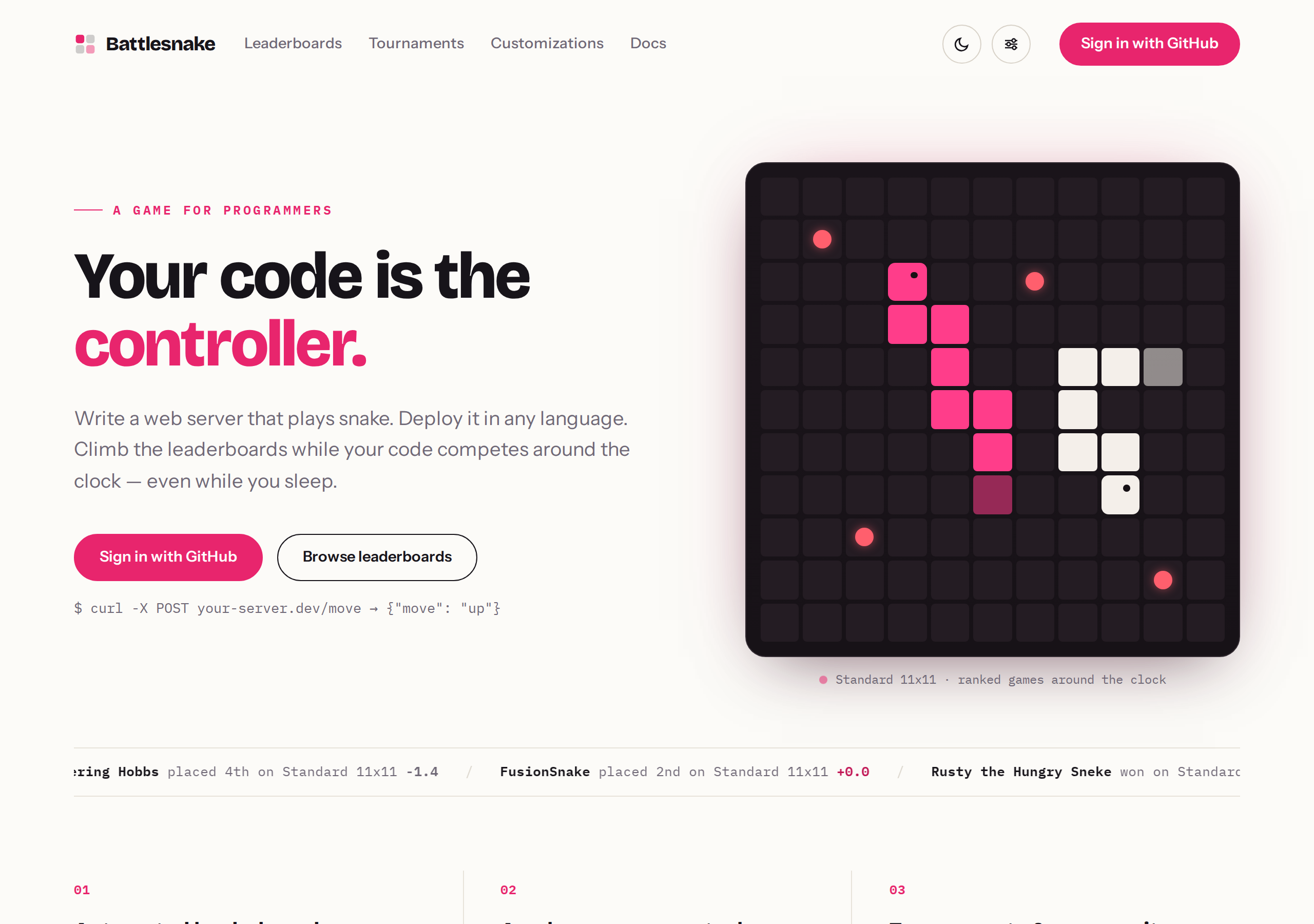 |
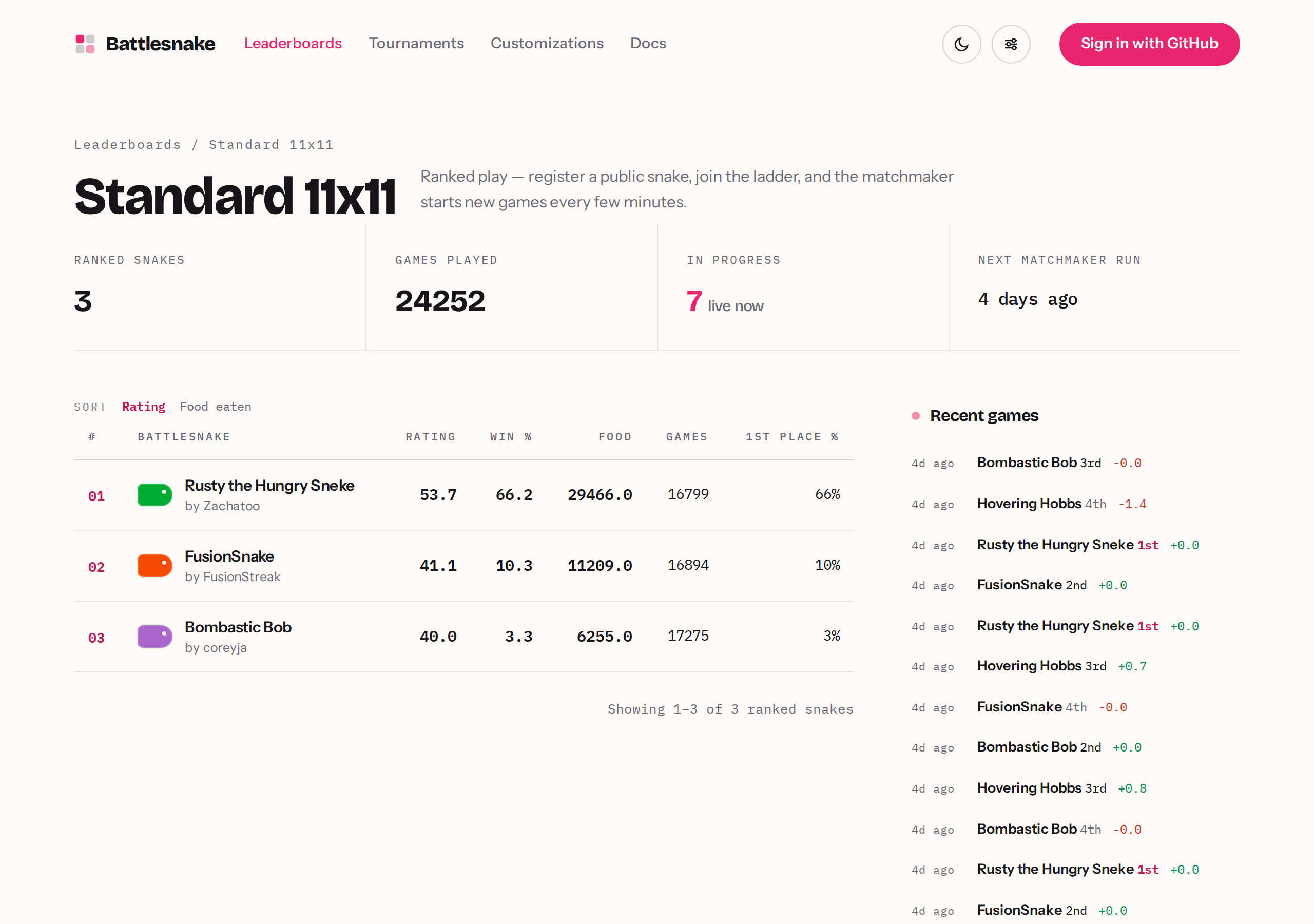 |
| Tournaments | Customizations |
|---|---|
 |
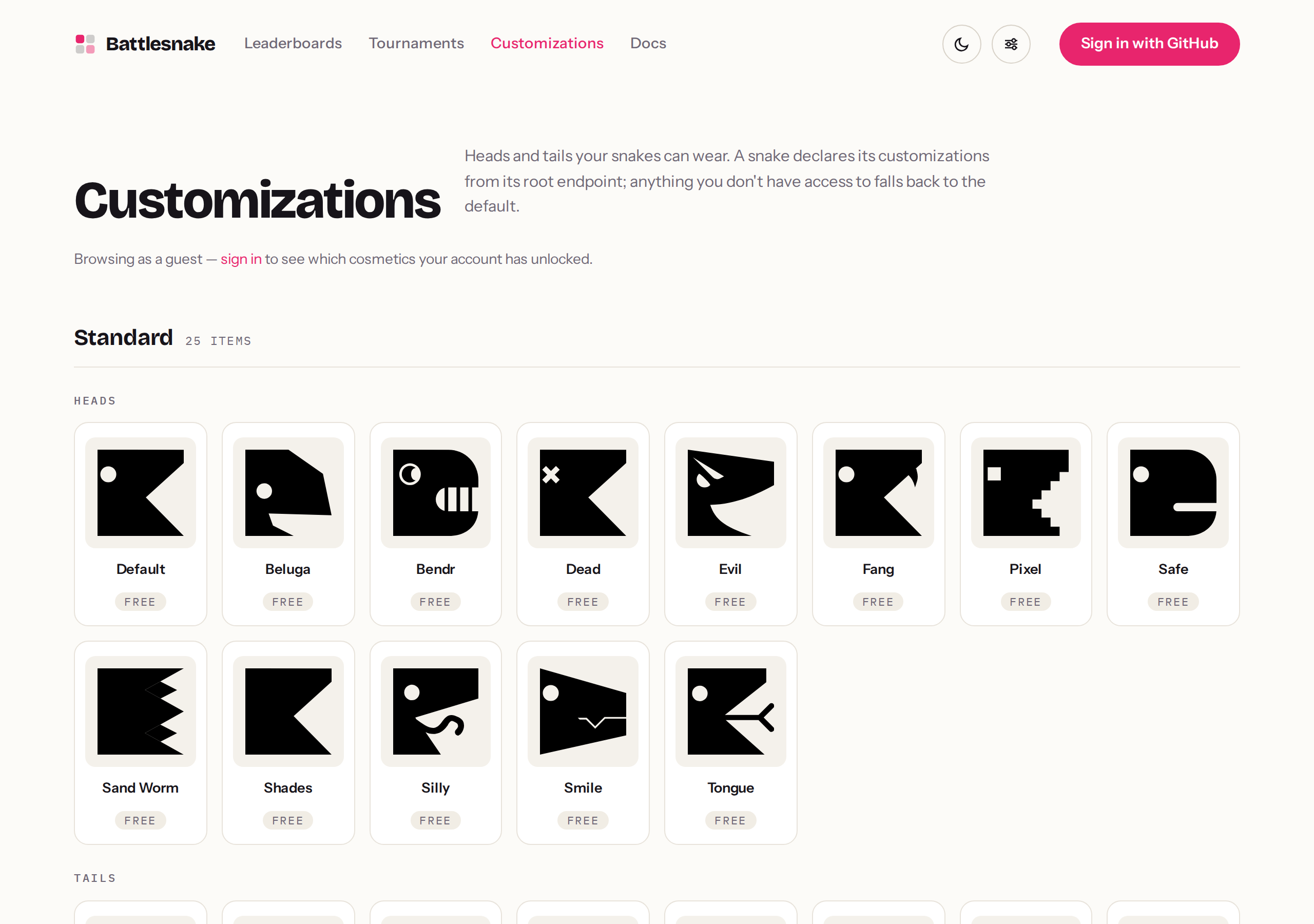 |
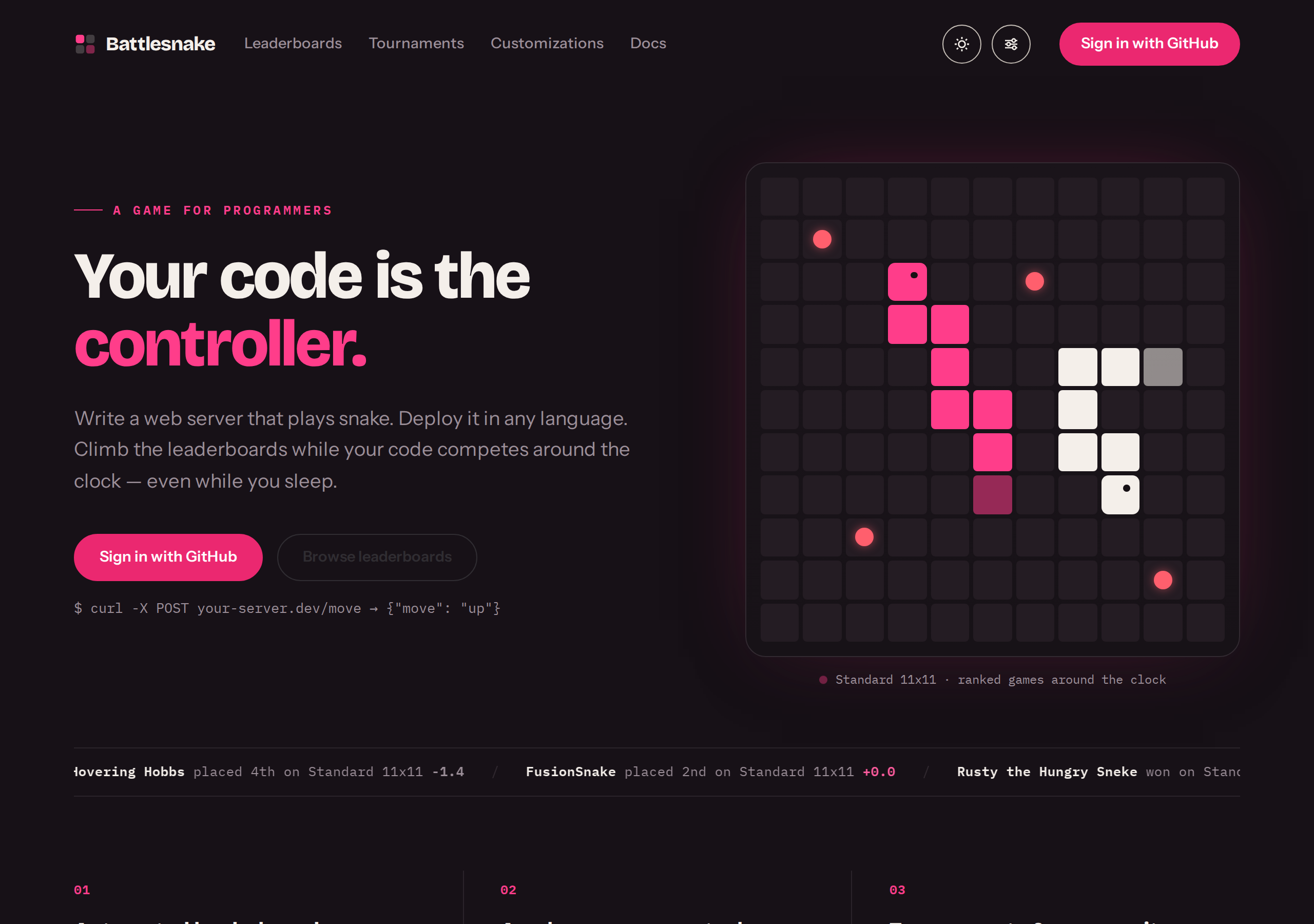
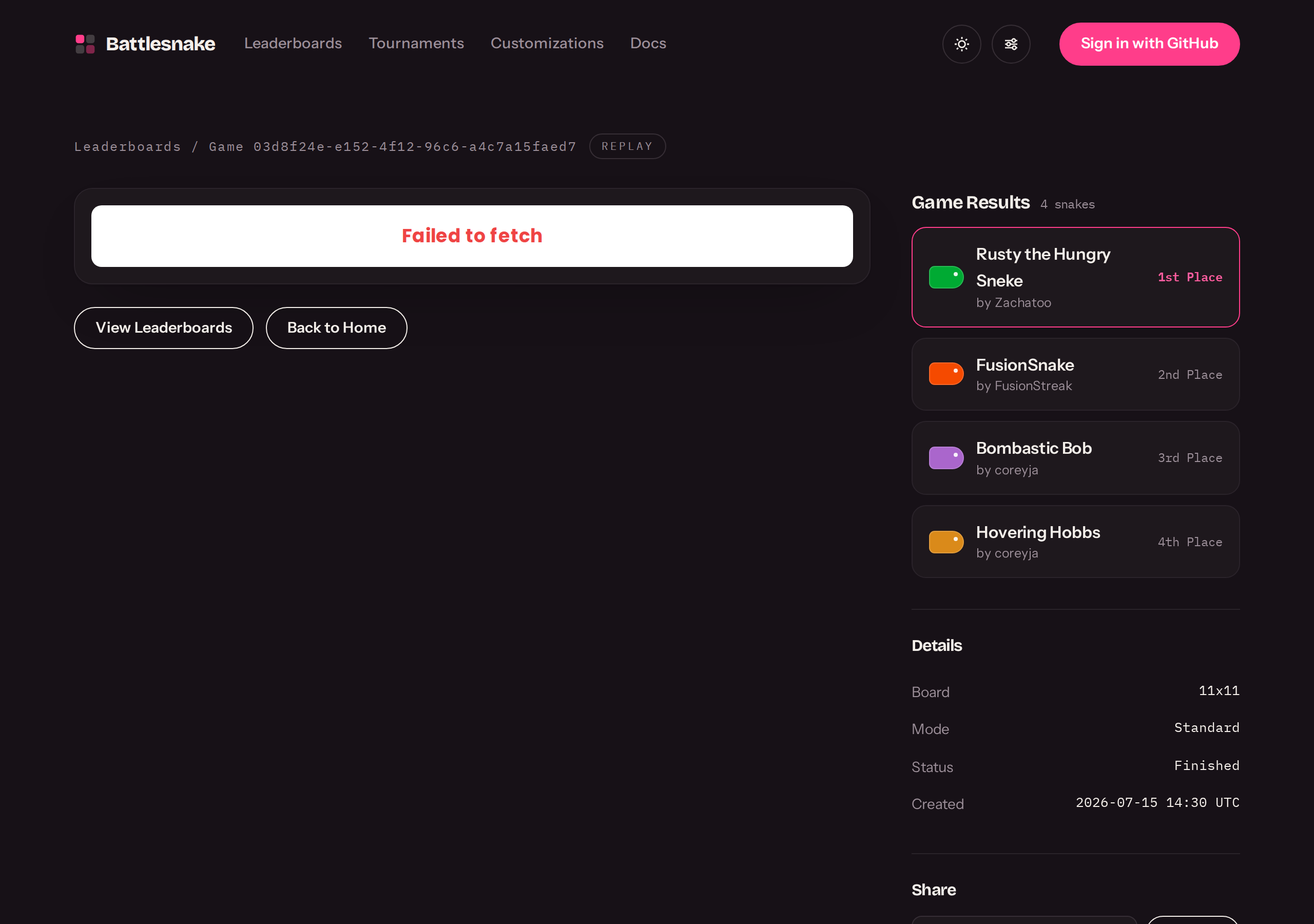
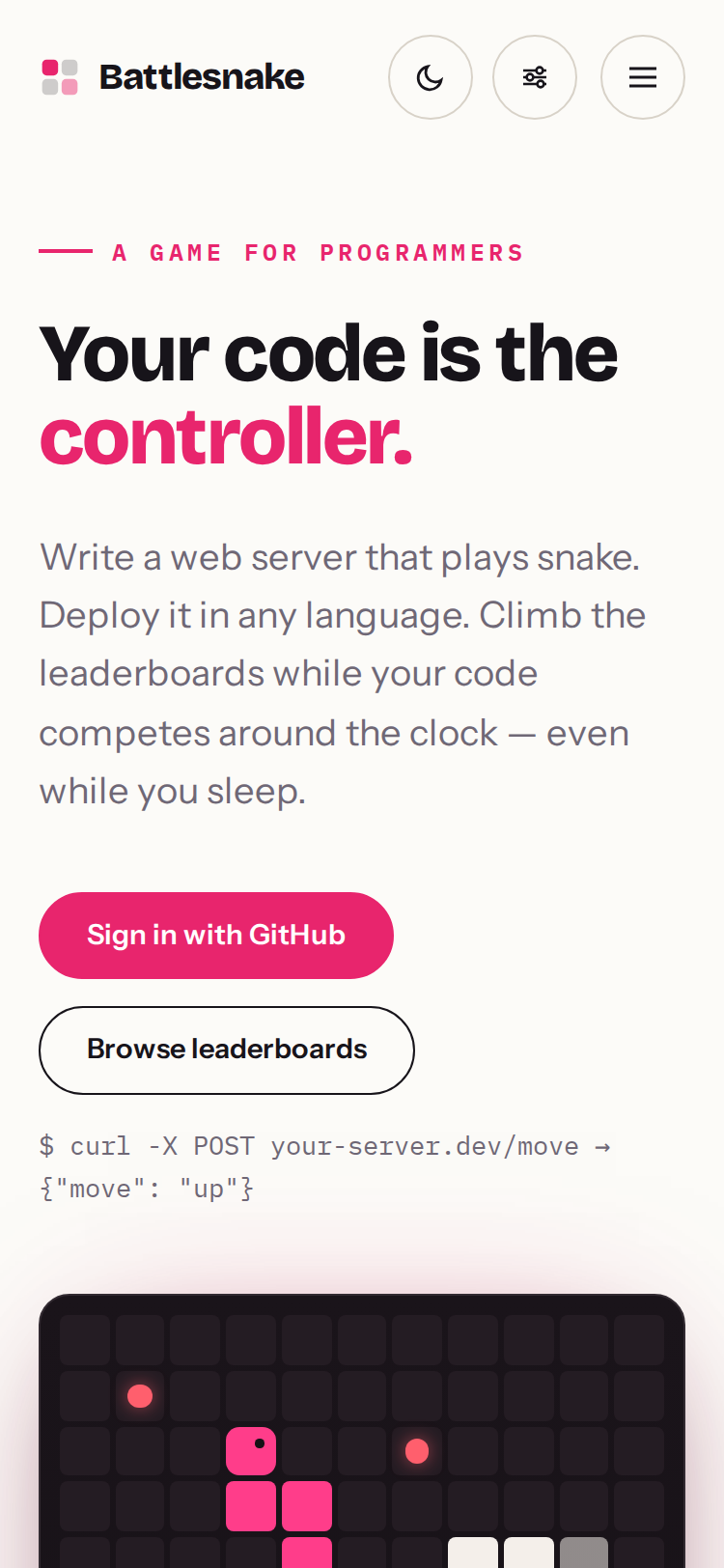
More: dark theme, mobile, game theater
| Dark theme | Game theater |
|---|---|
 |
 |
- Ranked leaderboards — register a snake, and the matchmaker starts games every few
minutes. Ratings use Weng-Lin (OpenSkill), not Elo; displayed rating is
μ − 3σ. - Tournaments — single-elimination brackets with seeding, best-of-N matches, live round tracking, and a champion's trophy.
- Game engine — Rust rules crate simulating Standard games on 7x7 / 11x11 / 19x19 boards, persisting every turn as a JSONB frame and streaming to viewers over WebSockets.
- Game theater — games render in the board viewer with a two-axis theme system: the site theme (system / light / dark) and an independent theater preference.
- Customizations — snake heads and tails, including partner and community art, with per-account unlocks.
- Play migration — players from the old play.battlesnake.com can claim their accounts by password or email recovery, bringing snakes and unlocks with them.
- API + CLI — token-authenticated REST API for snakes, games, and leaderboards
(used by
arena-cli).
- Rust (stable, via rustup)
- PostgreSQL 14 or later
cargo install sqlx-clifor database commands
Create a .envrc file in the root directory with the following environment variables:
export DATABASE_URL="postgresql://localhost:5432/arena"
export GITHUB_CLIENT_ID="your_github_client_id"
export GITHUB_CLIENT_SECRET="your_github_client_secret"
export GITHUB_REDIRECT_URI="http://localhost:3000/auth/github/callback"
If you're using direnv, run direnv allow to load these environment variables.
Sign-in is GitHub OAuth only, so local development needs an app:
- Go to GitHub Developer Settings
- Click on "New GitHub App"
- Fill in the required fields:
- GitHub App name: Arena (or any name you prefer)
- Homepage URL: http://localhost:3000
- Callback URL: http://localhost:3000/auth/github/callback
- Permissions: User permissions → read access to email addresses and profile information
- Where can this GitHub App be installed?: Any account
- Click "Create GitHub App"
- On the next page, note your Client ID
- Generate a client secret by clicking "Generate a new client secret"
- Update your
.envrcfile with the new credentials
cargo sqlx db create
cargo sqlx migrate runcargo runThe application will be available at http://localhost:3000
- Build:
cargo build - Run:
cargo run - Check:
cargo check - Lint:
cargo clippy - Fix auto-correctable lints:
cargo clippy --fix - Format:
cargo fmt - Test:
cargo test
- Create database:
cargo sqlx db create - Drop database:
cargo sqlx db drop - Run all migrations:
cargo sqlx migrate run - Revert latest migration:
cargo sqlx mig revert - Create new migration:
cargo sqlx migrate add --source migrations <migration_name> - Recreate DB from scratch:
cargo sqlx db drop -y && cargo sqlx db create && cargo sqlx migrate run - Update query cache:
DATABASE_URL="postgresql://localhost:5432/arena" cargo sqlx prepare --workspace -- --all-targets
Note: Always ensure the DATABASE_URL environment variable is set when working with SQLx commands, especially for migration reversion: DATABASE_URL="postgresql://localhost:5432/arena" cargo sqlx mig revert
End-to-end tests use Playwright and are located in the e2e/ directory.
cd e2e
npm install
npx playwright install chromiumE2E tests use a separate database (arena_test). Create it before running tests:
DATABASE_URL="postgresql://localhost:5432/arena_test" cargo sqlx db create
DATABASE_URL="postgresql://localhost:5432/arena_test" cargo sqlx migrate runFrom the e2e/ directory:
# Run tests headless (default)
npm test

# Run tests with browser visible
npm run test:headed

# Run tests in debug mode (step through)
npm run test:debug

# Run tests in UI mode (interactive)
npm run test:ui
Note: Tests automatically start the server using cargo run with the test database. The first run may take longer due to compilation.
The Screenshots workflow runs weekly (and on demand
via workflow_dispatch), captures the pages defined in live.shots.yml
from the live site with shot-scraper, optimizes
them with oxipng, and force-pushes a single commit to the screenshots branch (main is
ruleset-protected, and PNG churn stays out of its history). Detail pages (leaderboard,
game theater) are discovered from the live site at run time: leaderboard list → detail →
first entry → a recent game, since those IDs aren't stable across seasons.
This project uses Tracey for spec-to-code tracing, linking technical specifications to both implementations and tests.
Specifications are written in Markdown and located in specs/web_app/:
auth.md- Authentication (GitHub OAuth, sessions, logout)battlesnakes.md- Battlesnake CRUD operations and validationgames.md- Game creation, listing, and viewingprofiles.md- User profiles and homepage
Each spec uses the r[rule.id] syntax to define requirements, for example:
r[auth.oauth.initiation]
The system provides a `/auth/github` route that initiates the OAuth flow.- Implementation markers (
[impl rule.id]) are placed in Rust source code doc comments - Verification markers (
[verify rule.id]) are placed in E2E test comments
Install Tracey:
cargo install traceyRun the report:
tracey --config .config/tracey/config.kdlIf Tracey is not installed, the CI workflow will still pass (with a warning) and report generation will be skipped.
Tracey runs automatically in CI on every push and pull request. The workflow:
- Installs Tracey if not cached
- Generates a coverage report
- Uploads the report as an artifact
Note: The Tracey job is configured to not fail the build, it only generates reports.