-
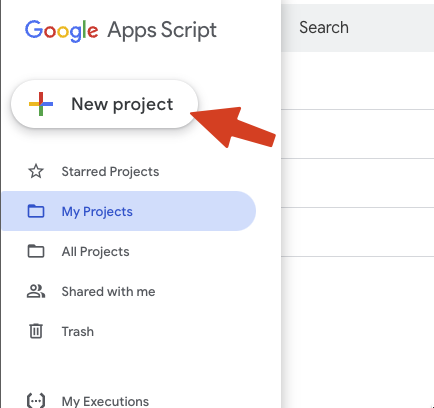
Go Google Apps Script and new a project.
-
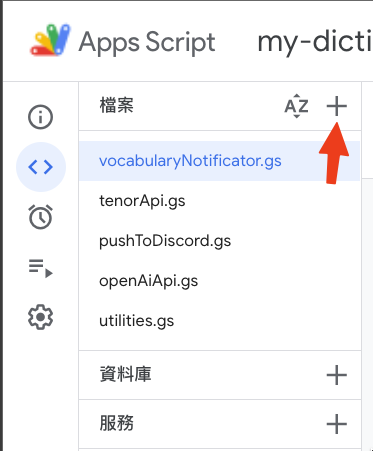
Copy and paste the codes from src to Google Apps Script.
-
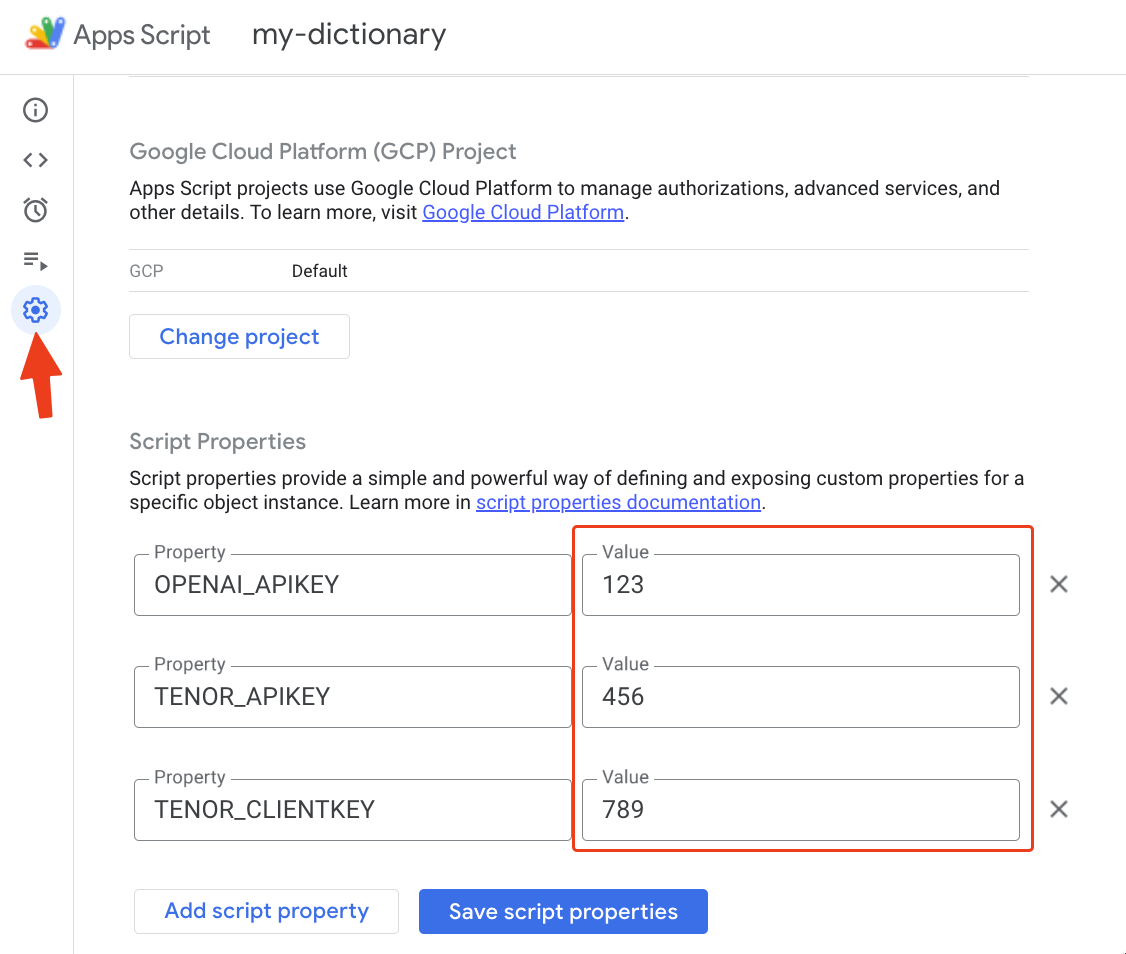
Set the OpenAI API key, Tenor API key and Tenor client key.
-
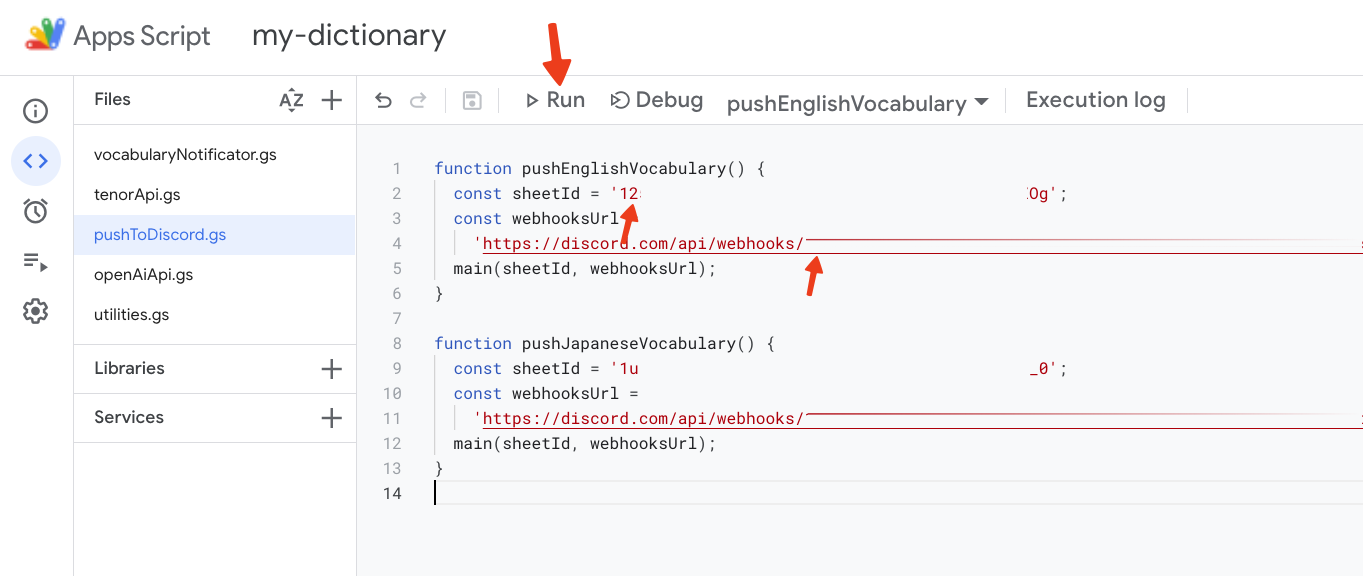
Set the Sheet ID and Discord webhook. Check the function pushEnglishVocabulary is selected and then click Run.
-
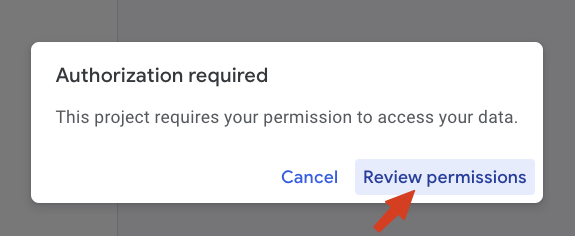
Click Review permissions.
-
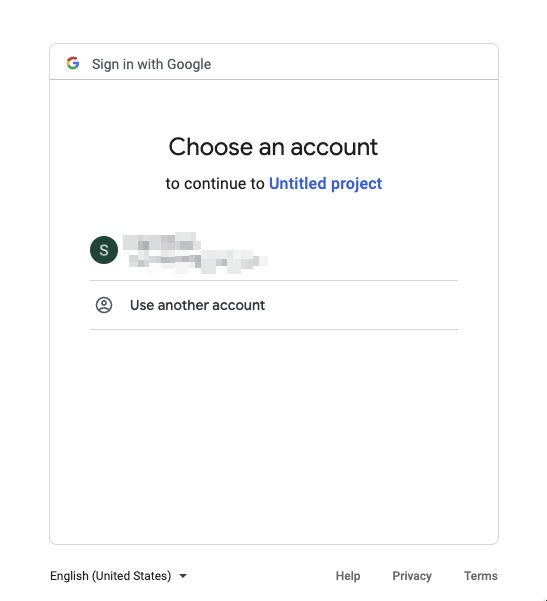
Choose your account.
-
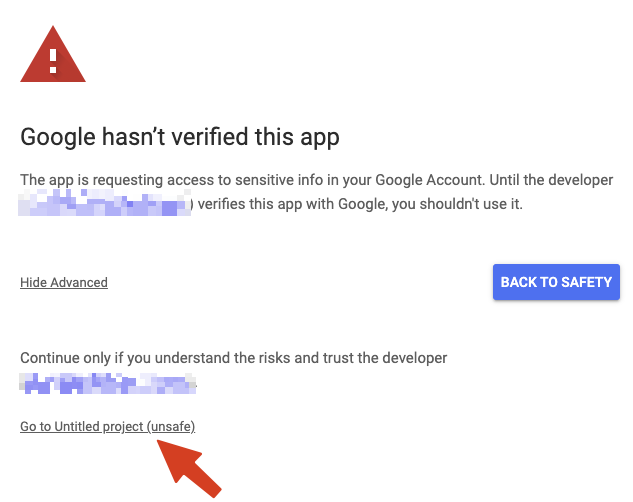
Click Go to Project_name (unsafe)
-
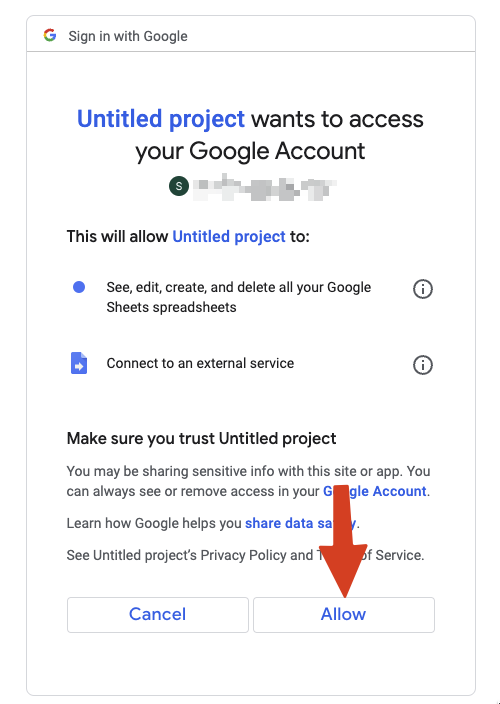
This script will access Google Sheets. Click Allow
-
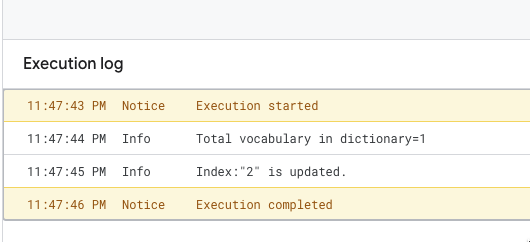
Check the result. (The message should be pushed to Discord.)
-
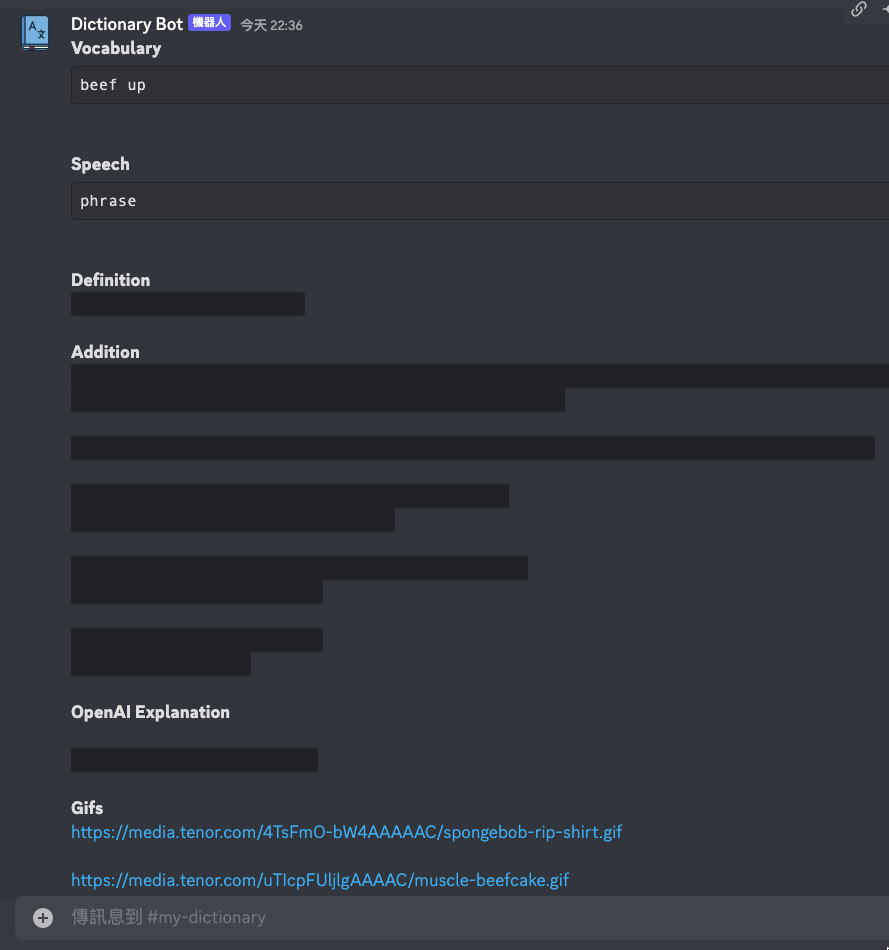
Check your Discord.
-
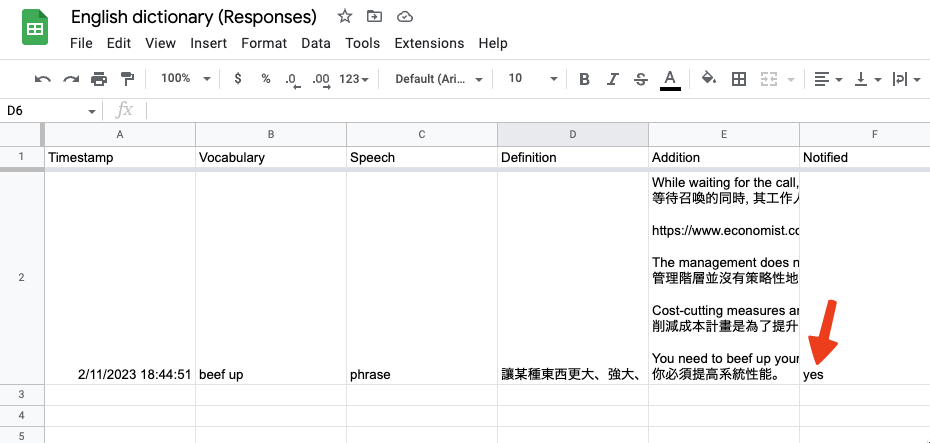
Check your Google sheets, the Notified should be set to yes.
-
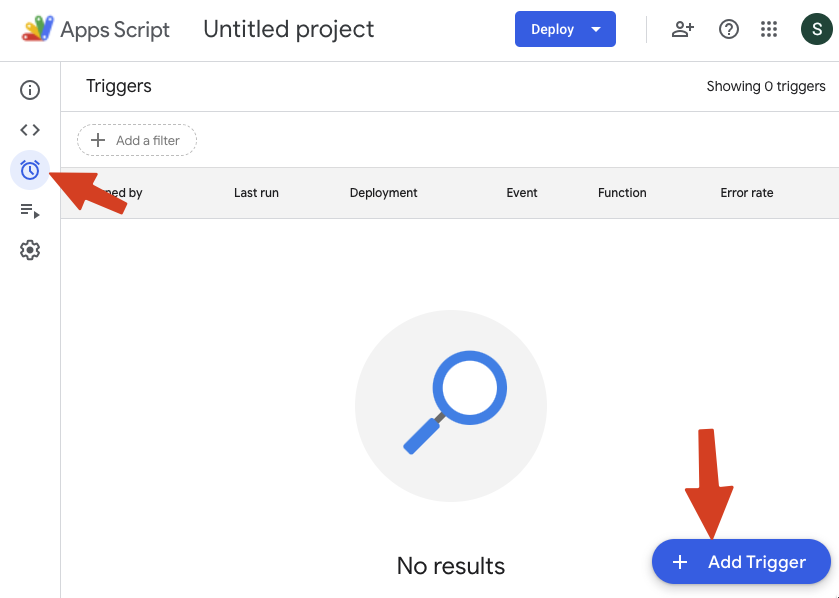
Go back to Apps Script and click clock icon and add the triggers.
-
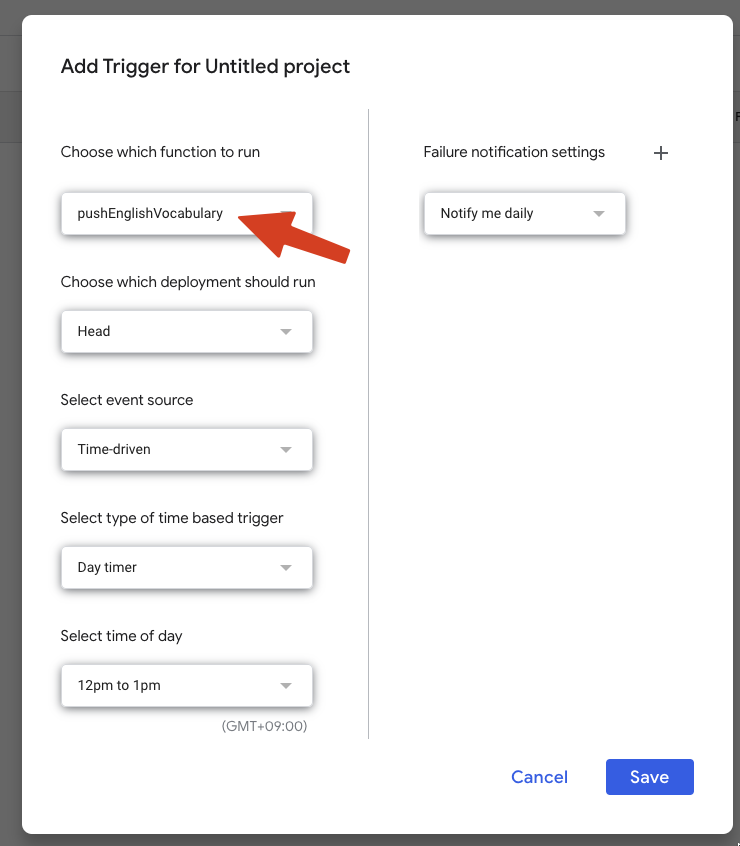
Set the triggers to whatever you want.