
Replies: 2 comments

-
|
You can use console markup in the text or TextColumns e.g. to change the description: Here you are setting the style "bright_yellow", but it is being overriden by "[progress.percentage]" which sets a theme style called |
Beta Was this translation helpful? Give feedback.

-
Thanks for the explanation, but how do we set a custom color in such case? I tried to change style like this:
Funny, it is changed to italic, but no to red or any other color... UPDATE: ok, i got it, you just use the
Then color is changed. |
Beta Was this translation helpful? Give feedback.


Uh oh!
There was an error while loading. Please reload this page.
-
I am writing a top monitor under windows 10 platform,
and for now,
I am doing somthing for customrize theme of monitor,
but I tried some methods to change progress bar text color,
mainly 2 places text color, 1st is task description, 2nd is percentage text,
as u know, it doesn't work,
so I hope to get some help here;
here is code about progress:
here is the top monitor probably looks like (the orange square positions are target text that I wanna change color)
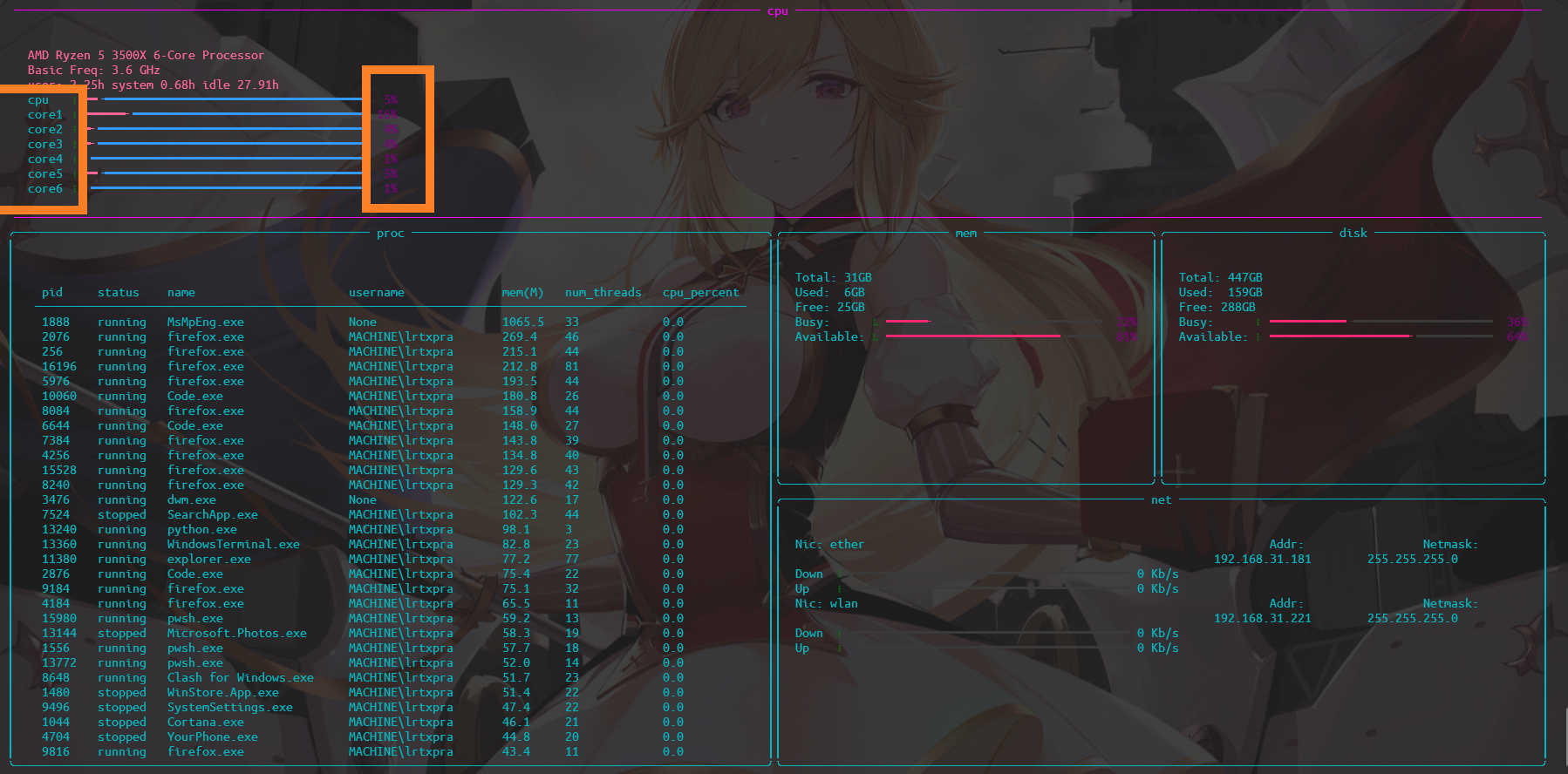
(of course, there are still many features left)
Beta Was this translation helpful? Give feedback.
All reactions